
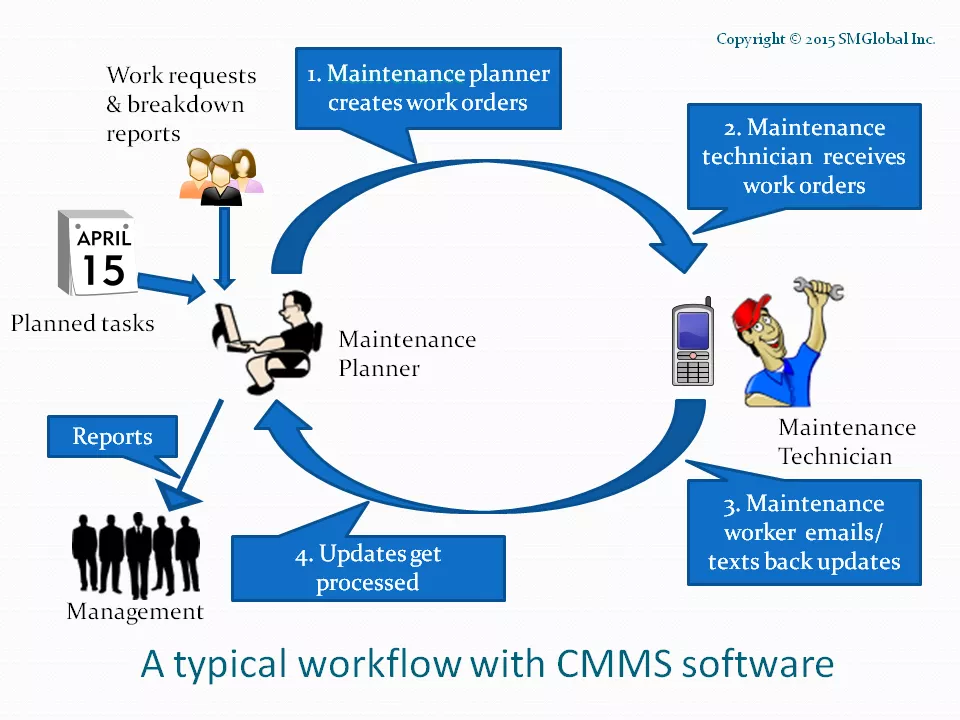
Just browsing? The Screen Shots section is a great place to start for a quick overview of features. Have a specific question/ problem? Search the Support Center for frequently asked questions, tips and “How To’s”. Below is a typical workflow (learn more).
Video Tutorials
Quick Start: Learn How To Use FastMaint
1. How to enter data & setup the software (5 min.)
Standard/ Professional

Was this helpful?(1-Click Vote)
Web/ Cloud

Was this helpful?(1-Click Vote)
2. How to create work orders & close them (5 min.)
Standard/ Professional

Was this helpful?(1-Click Vote)
Web/ Cloud

Was this helpful?(1-Click Vote)
3. Useful reports & how to use them (3 min.)
Standard/ Professional

Was this helpful?(1-Click Vote)
Web/ Cloud

Was this helpful?(1-Click Vote)
Exploring Features
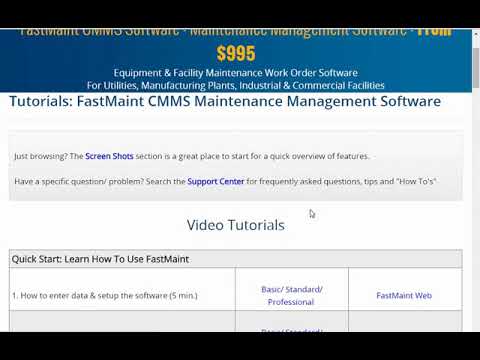
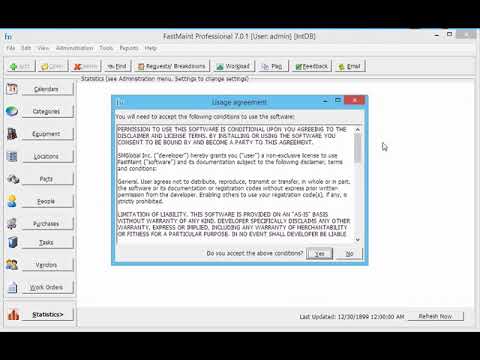
1. Installation: How to install & setup the software(see Knowledgebase for troubleshooting, other options)
Standard
Was this helpful?(1-Click Vote)
Professional
Was this helpful?(1-Click Vote)
Web

Was this helpful?(1-Click Vote)
2. Equipment: Equipment: Add Equipment (Machinery/ Vehicles/ etc.)

Was this helpful?(1-Click Vote)
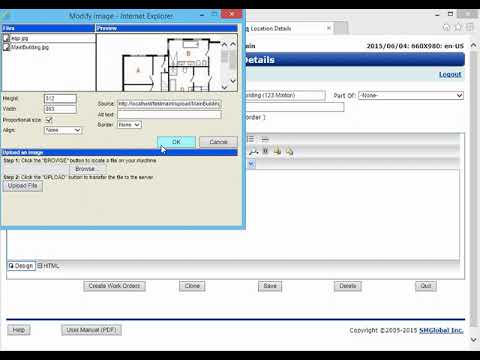
3. Locations: Add Locations (Buildings/ Rooms/ Stores)
Was this helpful?(1-Click Vote)
4. Parts: Add Maintenance Supplies And Spares

Was this helpful?(1-Click Vote)
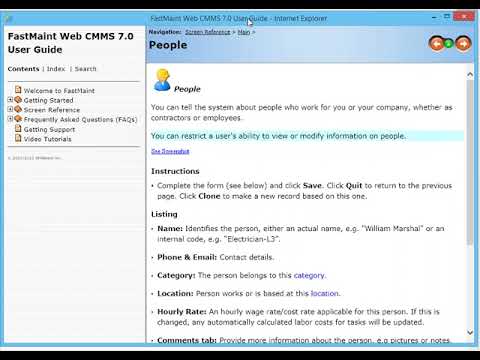
5. People: Add Maintenance Technicians/ Sub-Contractors
Was this helpful?(1-Click Vote)
6. Tasks: Add Preventive & Unplanned Maintenance Tasks, Create Work Orders

Was this helpful?(1-Click Vote)
7. Planning: Schedule & Email/ Print Weekly/ Daily Work Orders

Was this helpful?(1-Click Vote)
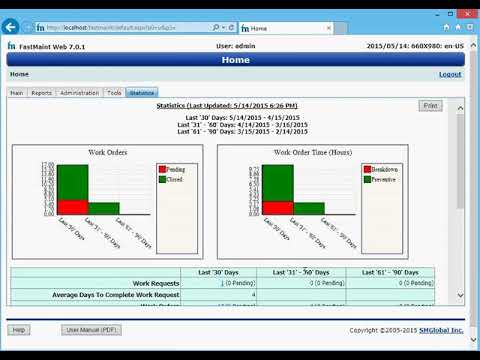
8. Email: Process Work Requests & Work Order Updates Sent By Email / Text
Professional

Was this helpful?(1-Click Vote)
Web/ Cloud
Was this helpful?(1-Click Vote)
9. Fast Feedback: Update Multiple Work Orders At A Time

Was this helpful?(1-Click Vote)
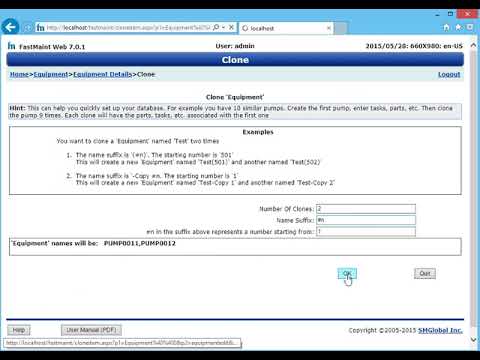
10. Setup: Using The Clone Function For Faster Data Entry
Was this helpful?(1-Click Vote)
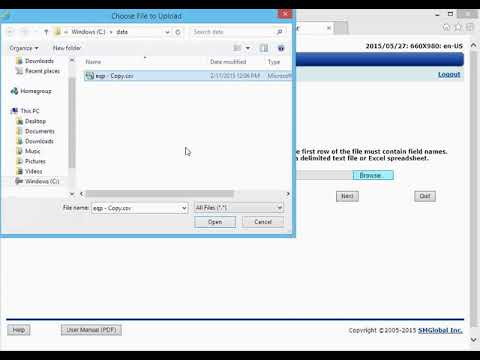
11. Import: Bring In New Data Or Update Existing Data
Was this helpful?(1-Click Vote)
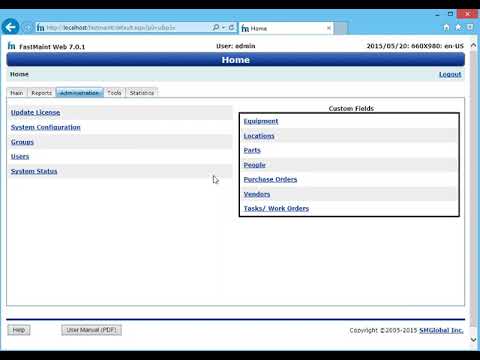
12. Custom Fields: Define New Data Fields In The System
Was this helpful?(1-Click Vote)
13. Customize Reports: How To Customize Existing Reports

Was this helpful?(1-Click Vote)
14. Users: Managing User Accounts And Group Rights

Was this helpful?(1-Click Vote)
15. Purchase Orders: Create Purchase Orders For Parts And Supplies

Was this helpful?(1-Click Vote)
Help – Frequently Asked Questions (FAQ)
These are also available in the program help file. You can see a series of step-by-step examples in the Help FAQ.
- See FAQ in FastMaint Standard/ Professional
- See FAQ in FastMaint Web/ Cloud
Still have questions/ Want to see other examples?
Please contact us if any of the steps seem unclear or you have other questions. If there are other examples you want to see, please tell us so that we can add them to the above list. You may also wish to visit the Support Center for a variety of useful articles.